

Merchant Registration Instructions
 1
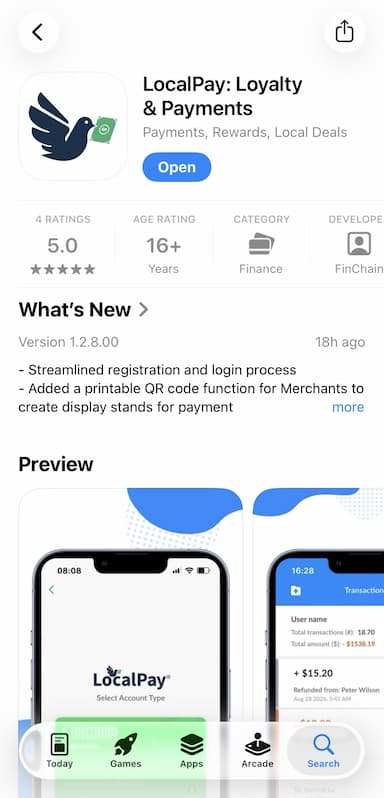
1Download LocalPay: Loyal & Payments from the App Store or Google Play
 2
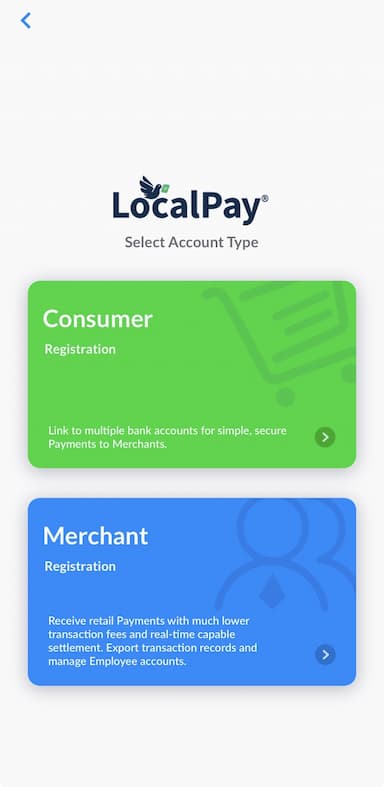
2Select Merchant Registration to create your account
 3
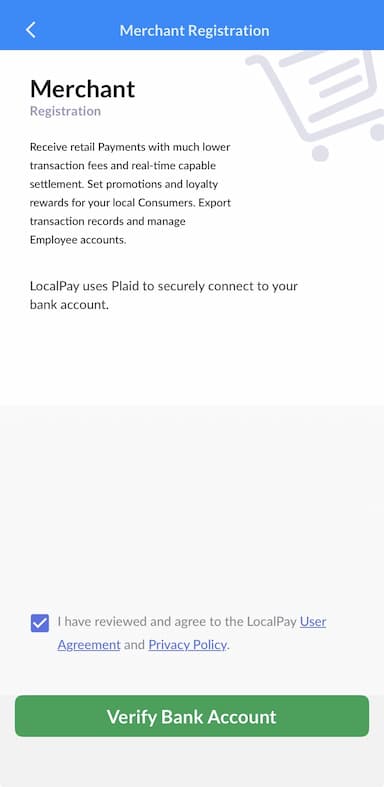
3Click Verify Bank Account, then Continue as guest / Continue without phone number. Search your bank, log in, and select account to link. Click Finish without saving
 4
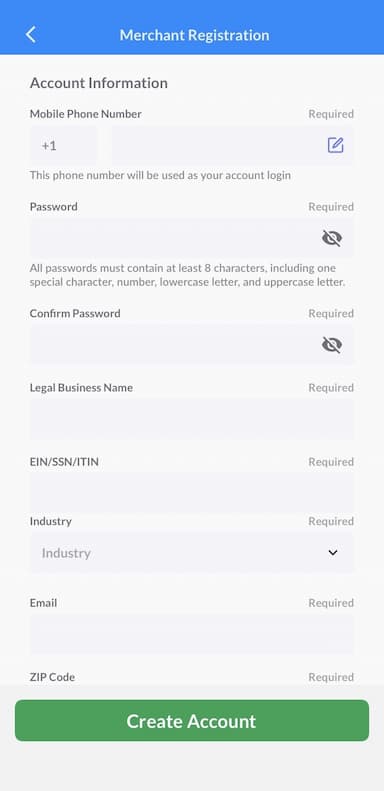
4LocalPay autofills your profile. Add/edit other information, including your phone number, password, business name, and EIN. Click Create Account
 5
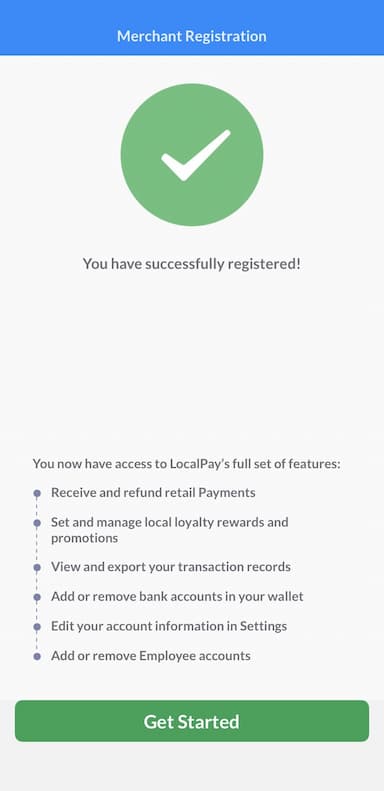
5A page will confirm you successfully registered. Click Get Started
 6
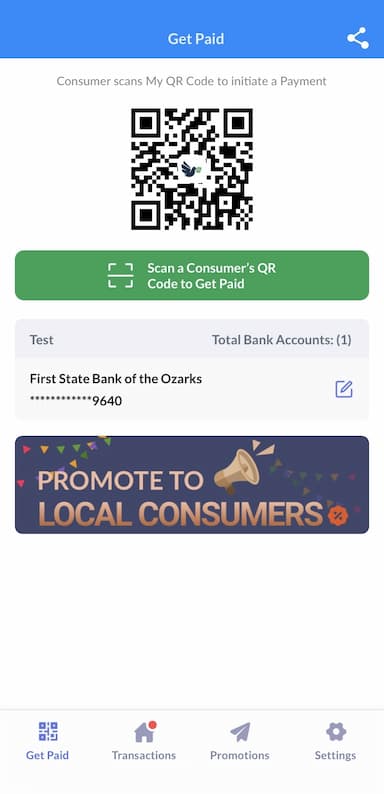
6Your merchant QR code will display — you are now ready to accept payments and save on card fees with LocalPay